
Mesa County Court Dockets
A court docket is the court's event list and calendar record. In Mesa County, it can help a person locate hearings, confirm case-number parts, identify whether a case is in District Court or County Court, and see public scheduling activity. It is not the same as a full case file. A docket may show that a motion, order, plea, setting, or disposition exists without providing the full text of the document.
Mesa County is in Colorado's 21st Judicial District. The main state court location is the Mesa County Justice Center, and the Colorado Judicial Branch recognizes both District Court and County Court in the docket search court-type field. District Court handles felony, divorce, probate, juvenile, mental health, and larger civil matters. County Court handles many misdemeanor, traffic, small claims, protection order, and limited civil matters. Municipal courts remain separate for city ordinance and many municipal traffic cases.
- Docket
- The court's public schedule or event log for a case.
- Case file
- The pleadings, orders, judgments, exhibits, decrees, and other filed documents kept by the court.
- Disposition
- The outcome of a charge, claim, motion, or case when the court records it.
- Division
- A court assignment or courtroom grouping that may appear on docket details.
Find Mesa County Court Dockets
The Mesa County docket search is a prefiltered version of the Colorado Judicial Branch docket search. It starts with Mesa County and a one-week date range, but the form still needs at least one filter in addition to date before it will perform a search. That second filter can be county, court type, courthouse, case number part, party name, company name, attorney name, or attorney bar number.
The date rule is important. If a user searches only by date range, the system returns the notice that at least one filter in addition to date is required. For a broad calendar search, county plus court type may be enough. For a known case, the better approach is the four-digit year, case class, and sequence number. For a person search, choose Individual and enter first and last name. For a business, choose Company. For a lawyer search, use attorney name or bar number.
The prefiltered Mesa County screen is the fastest official starting point for local court dockets. The Mesa County docket search opens with county and date range already set.
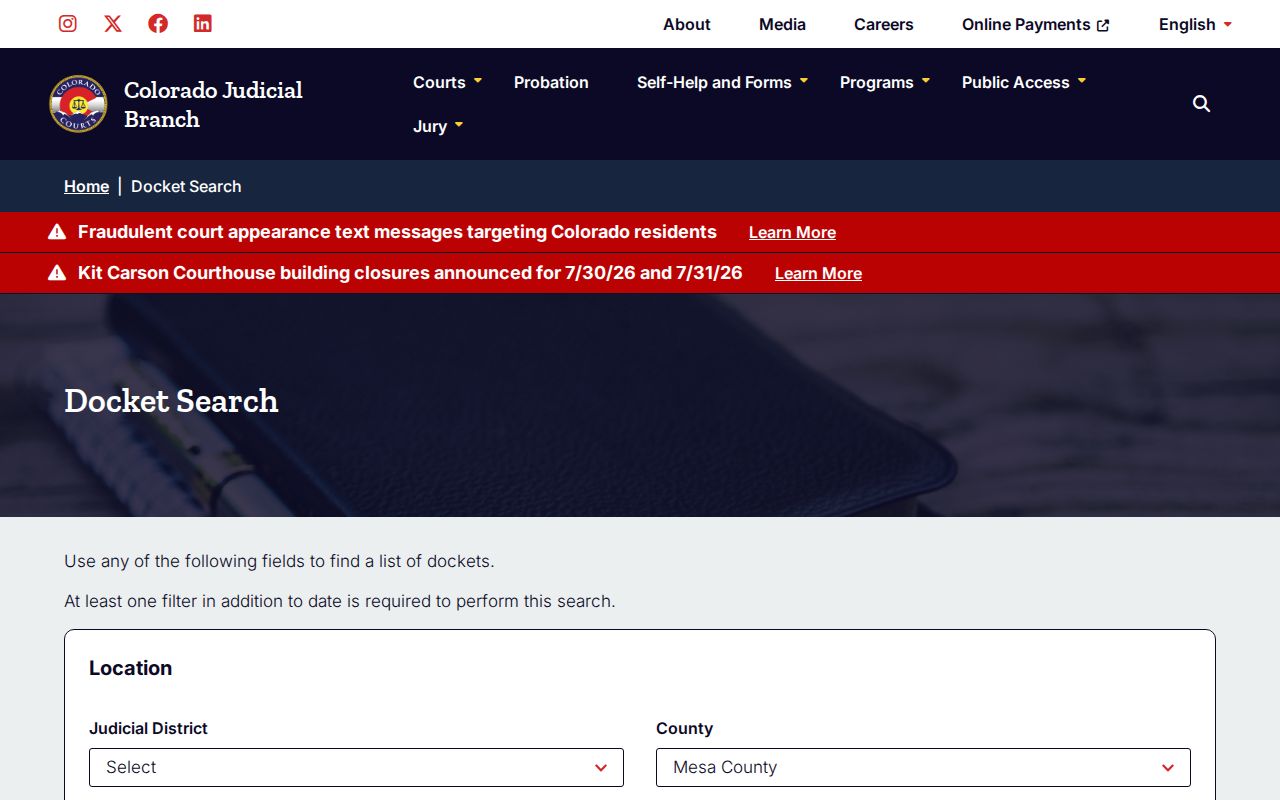
The prefilled county setting reduces statewide noise, but the search still needs a non-date filter before results will load.
- Open the Mesa County prefiltered docket search or the main Colorado Judicial Branch docket search.
- Confirm that County is set to Mesa County. If needed, select 21st Judicial District and Mesa County Justice Center.
- Choose Court Type: Both, County, or District.
- Set Date Range to today, one week, one month, three months, six months, or a specific date.
- Add one non-date filter. Use party name, company name, attorney name, bar number, case class, case sequence, courthouse, or court type.
- Run the search and compare case number, party names, court type, and hearing details before relying on the result.
Mesa County Docket Search Options
The docket search supports several search styles because users arrive with different pieces of information. A person with a court notice may have the year, case class, and sequence. A victim, witness, defendant, party, or family member may have only a name. An attorney or firm may search by lawyer name or bar number. A public calendar check may start with Mesa County, court type, and date range.
| Search Method | Best Used When | Mesa County Detail |
|---|---|---|
| County search | The user wants local court activity rather than statewide results. | Select Mesa County, and add another filter besides date. |
| Court type search | The user knows whether the matter is District Court or County Court. | District fits felony, divorce, probate, juvenile, and higher civil matters. County fits many misdemeanor, traffic, small claims, and limited civil matters. |
| Case number search | A summons, notice, order, or prior record gives a case number. | Use four-digit year, case class, and one-to-six digit sequence. |
| Party search | The case number is unknown but a person's name or company name is known. | Choose Individual or Company before entering names. |
| Attorney search | The attorney is known or a bar number appears on a filing. | Search by attorney first and last name or one-to-six digit bar number. |
Case classes help narrow results. Common practical codes include CR for criminal, CV for civil, DR for domestic relations, PR for probate, JV or JD for juvenile-related matters, and T for traffic. The exact meaning can depend on the case context, so a code should be used as a search aid rather than a full legal summary.
Mesa County Court Docket Sources
The Colorado docket search is built for state trial court dockets. In Mesa County, that means District Court and County Court activity at the Mesa County Justice Center. Municipal court dockets are different. A city ordinance case or city traffic ticket may not appear as a Mesa County District or County Court case, even when the person lives in Mesa County. The ticket, summons, or notice should identify the issuing court.
- Mesa County District Court covers felony cases, divorce, probate, juvenile, mental health, larger civil matters, and appeals from County Court.
- Mesa County Court covers many misdemeanors, traffic cases, small claims, protection orders, and limited civil disputes.
- Municipal courts handle local ordinance matters and many city traffic offenses outside the state docket path.
- Federal courts handle federal criminal, civil, bankruptcy, and appellate matters outside the Mesa County docket search.
Federal matters in Grand Junction are searched through federal systems. The U.S. District Court for the District of Colorado is separate from the state District Court, and federal docket access often uses PACER. State and federal court names can sound similar, so the record source must match the court named on the filing.
Mesa County Docket Entry Fields
A public docket result can be enough to confirm hearing activity, but it should be read as an event record rather than a full narrative. The docket search form itself reveals the main data categories: location fields, date fields, party fields, attorney fields, and case-number fields. Results can vary based on case type, privacy rules, sealed status, redactions, and whether the court has posted the event in public-facing form.
| Field | What It Shows |
|---|---|
| Case Number | The four-digit year, case class, and sequence that identify the case. |
| County | Mesa County when the event belongs to the local state court system. |
| Court Type | District, County, or both search scope. |
| Division | A division or courtroom assignment when available. |
| Party Name | An individual or company name tied to the case, if public. |
| Attorney | Attorney name or bar number associated with the case or search. |
| Date Range | The calendar window searched for docket events. |
| Event Description | A short label for a hearing, filing, motion, order, setting, or disposition. |
Docket entries may not include downloadable documents. When a person needs a filed motion, order, decree, judgment, sentencing document, or probate paper, the next step is the Judicial Branch record/document request form or the Clerk of Court.
Mesa County Dockets vs Records
Dockets and full case records answer different questions. A docket answers scheduling and event questions: when the hearing is set, what case number is involved, whether the matter is in District or County Court, and which parties or attorneys appear. The full court record answers document questions: what a motion says, what an order requires, what a decree contains, what a sentence imposes, or what a probate filing requests.
| Point | Docket | Full Case Record |
|---|---|---|
| Format | Calendar and event list. | Filed documents and orders. |
| Best for | Hearing lookup, case identification, and tracking public activity. | Legal review, certified copies, decrees, sentencing, judgments, and probate papers. |
| Access path | Colorado Judicial Branch docket search. | Record/document request form, clerk phone, or counter service. |
| Limits | May omit sealed, restricted, or document text. | May require review, redaction, fees, or proof of authority. |
For broader case-file access, the Mesa County court records page separates docket lookup, document requests, CORA limits, and recorder records.
Mesa County Hearing Questions
The official Mesa County court page links to Virtual Courtrooms, jury information, probation, collections, payments, chief judge orders and directives, and cases of interest. A docket entry may show that a hearing exists, but appearance rules can change by division, judge, case type, order, or courthouse notice. A party should use the official court page, hearing notice, attorney, or clerk contact for current appearance instructions.
For appearance questions, the Mesa County Justice Center phone line is 970-257-3640. The court page states that phones are answered from 8 a.m. to noon and from 1 p.m. to 4 p.m. The Clerk's Office is listed as open Monday through Friday, 7:30 a.m. to 4:30 p.m., and the court building is listed as open Monday through Friday, 7:30 a.m. to 5:00 p.m. General process questions can also be directed to 21selfhelp@judicial.state.co.us.
Colorado's problem-solving court material gives context for specialized court settings and treatment-focused dockets. The Colorado problem-solving court overview explains statewide treatment-court structure that can affect hearing style and supervision.
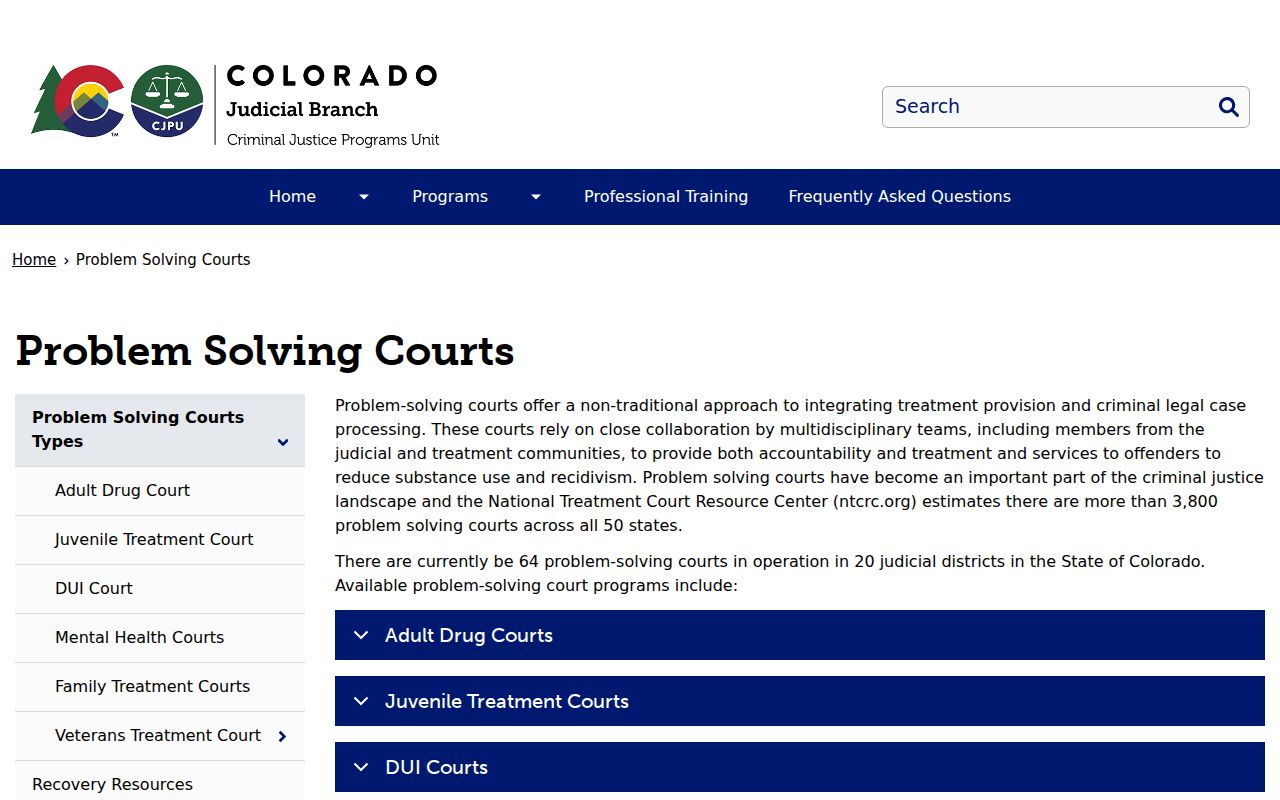
Specialized docket settings can have extra check-in, treatment, review, or supervision steps beyond a standard hearing listing.
Note: A docket search can confirm a listed event, but the court notice controls appearance method and timing.